AI chatbots are becoming an important technology layer in omnichannel sales and customer care. These systems can handle many different ways of phrasing a request, keep the conversation thread intact, retrieve knowledge, and help businesses respond consistently at scale.
However, the ability to hold a flexible conversation does not mean the ability to complete a sales process. In this article, Agent-X examines the concept, benefits, and operating mechanism of AI chatbots, and clarifies when a business should upgrade to an AI Agent to connect conversations with data and business actions.
What is an AI chatbot in omnichannel business?
An AI chatbot is software that uses artificial intelligence to communicate with users in natural language. It can be deployed on a website, Facebook, Zalo, an app, or other messaging platforms.
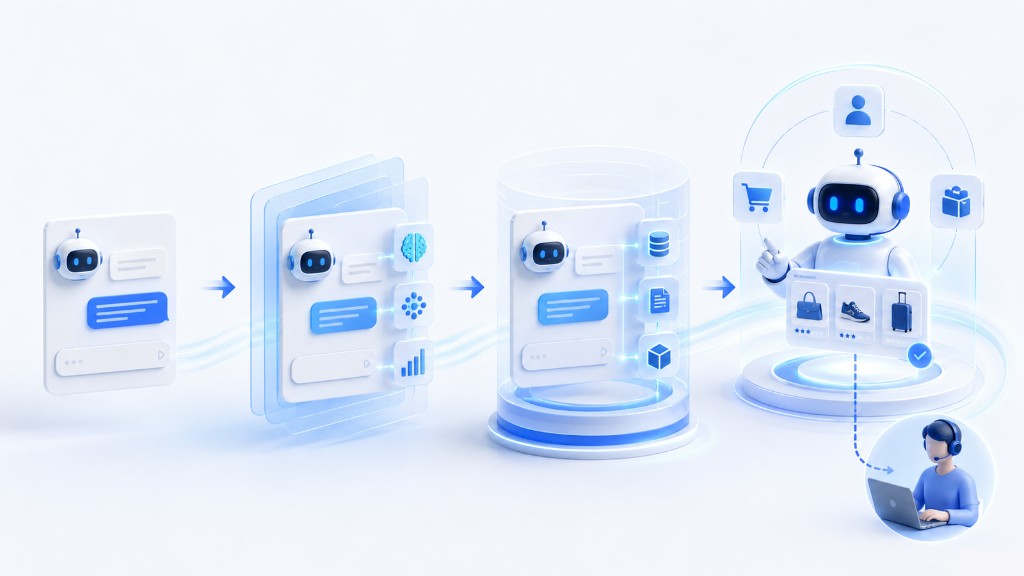
Unlike traditional chatbots that only match keywords and follow branches, an AI chatbot typically combines three layers of capability:
- Recognizing the intent and key information in a question.
- Retrieving content from knowledge sources the business has approved.
- Generating responses based on the context of the conversation.
For example, when a customer asks “is the item in the photo still available in size M?”, the system needs to identify the product being referred to, the size attribute, the intent to check stock, and the data it must retrieve. If the customer follows up with “then I’ll take the blue one”, the AI must also link that message to the product and size from the previous turn.
That is why the quality of an AI chatbot should not be judged only by whether its wording sounds natural. Businesses need to check whether the system correctly understands intent, uses the right data sources, maintains context, and knows when to stop once a request goes beyond its scope.
What are the benefits of using an AI chatbot?
When deployed on reliable data sources with clear operating rules, an AI chatbot creates value for both the customer experience and internal efficiency. The key benefits lie not only in response speed but also in the ability to standardize information, maintain context, and help teams handle conversations more systematically.
Continuous responses at scale
AI can handle many conversations at the same time, helping businesses reduce initial wait times and minimize messages missed outside business hours.
Fewer repetitive questions
Topics such as product information, policies, usage instructions, or process status can be answered automatically. Staff gain more time for situations that require in-depth consultation.
Consistent information
By retrieving from the same controlled knowledge source, AI helps prevent each staff member from answering differently. The prerequisite is that someone is responsible for keeping the data up to date.
Capturing and standardizing needs
AI can extract the product of interest, budget, timeline, location, or contact information from a conversation. Standardized data helps staff take over faster.
Supporting an omnichannel experience
If the system can correctly identify and link customers, history from multiple channels can be consolidated into a single unified journey. Without this identity layer, “omnichannel” easily stops at merely pulling messages into one screen.
How does an AI chatbot handle a question?
To produce an appropriate response, an AI chatbot must coordinate several successive processing layers rather than simply generating text from the message it just received. A typical flow consists of five steps:
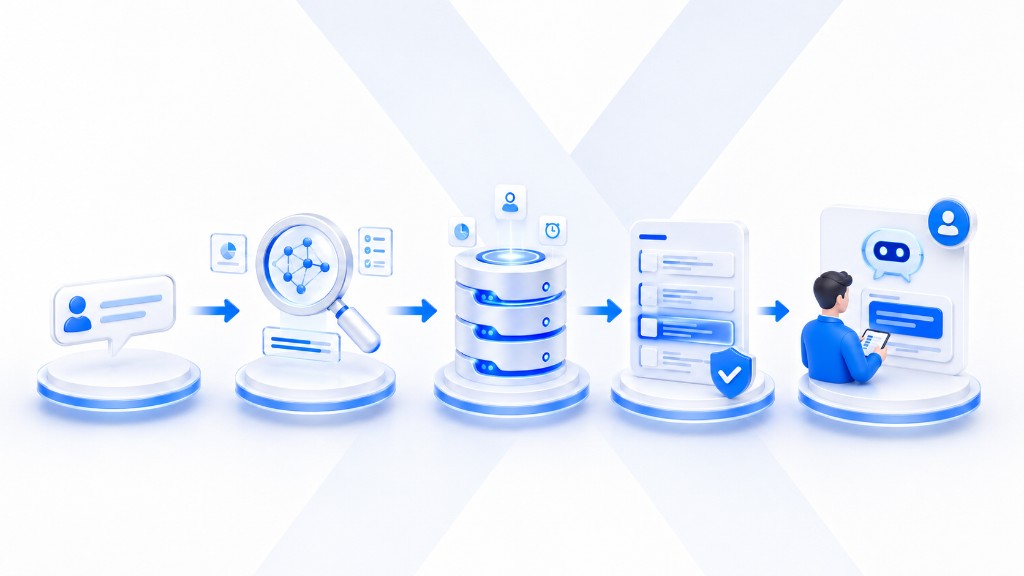
- Receive the message: record the content along with information about the channel, the user, and the time of interaction.
- Analyze the request: identify the intent, entities, tone, and any missing details.
- Check context: link the current request with previous turns of the conversation.
- Retrieve knowledge: find relevant information in the data repositories the business has granted access to.
- Generate and control the response: phrase the answer in line with policy, while deciding whether to answer, ask a follow-up question, or hand over.
Each step directly affects the quality of the output. AI may understand the question correctly yet still respond incorrectly if it retrieves the wrong product; conversely, accurate data without rules for applying promotions can also lead to inappropriate information. Deploying an AI chatbot is therefore a combined challenge involving the AI model, data quality, business processes, and monitoring mechanisms.
Why are AI chatbots more effective than traditional chatbots?
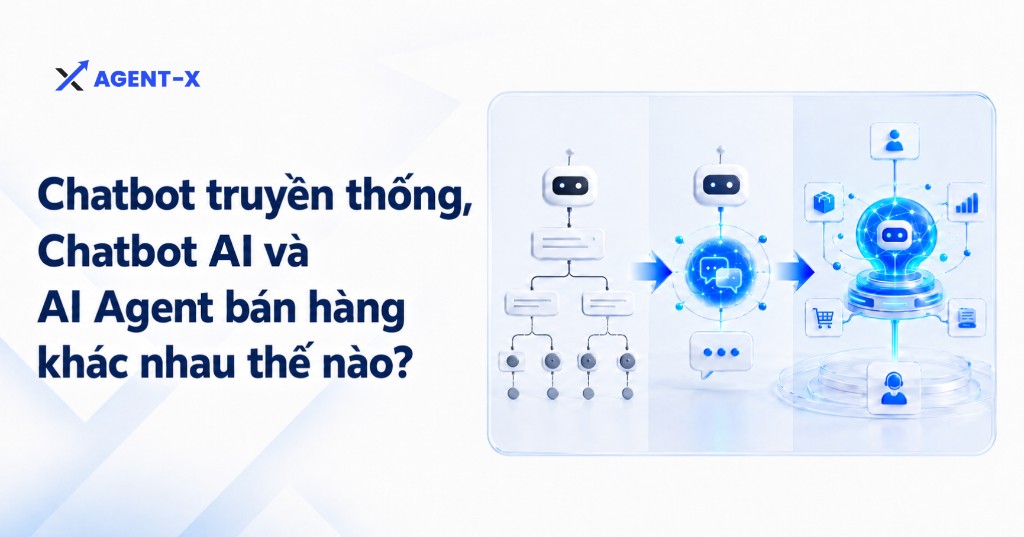
A traditional chatbot tries to push the customer into an existing branch. An AI chatbot tries to understand what the customer wants, even when the phrasing differs from the sample sentences.
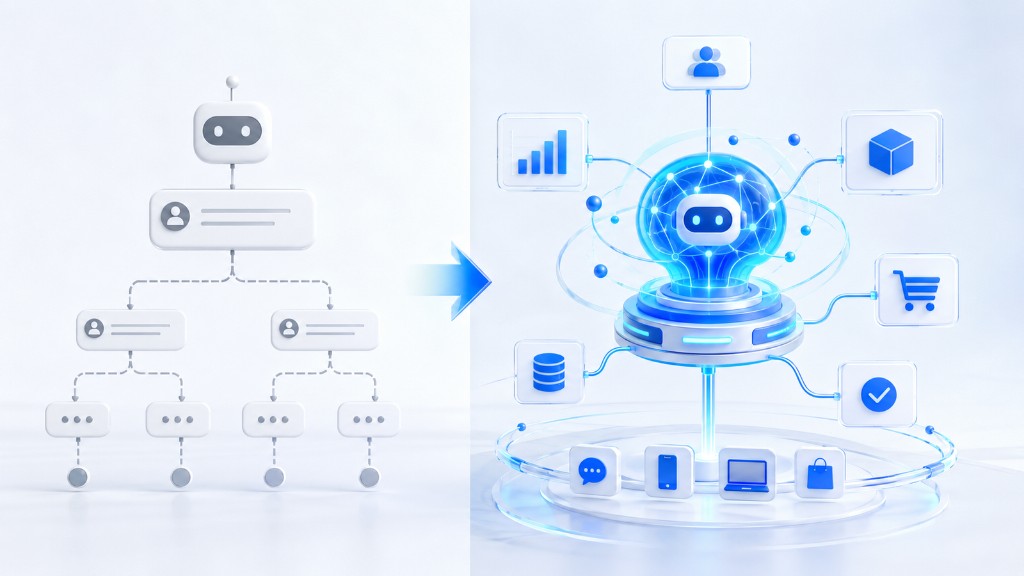
The difference shows in three areas:
- From keywords to intent: AI recognizes that different sentences can share the same purpose.
- From single turns to context: AI links information across the conversation to avoid asking again.
- From fixed content to retrieval: AI can find answers in a knowledge base instead of needing every variation written in advance.
Even so, an AI chatbot does not automatically overcome every limitation of chatbots. A sample chatbot script is still needed to define goals, the data to collect, conditions for moving between steps, and handover cases. The difference is that the script becomes a business framework rather than forcing the customer to follow each line of dialogue exactly.
Limitations businesses should know before deployment
AI chatbots can improve interaction efficiency, but they are not an automated system that is accurate in every situation. Businesses need to recognize the limitations below in advance to define the deployment scope, set up control mechanisms, and avoid expectations that exceed the system’s actual capabilities.
Responses depend on data quality
AI cannot produce reliable answers from incomplete, outdated, or contradictory data. Businesses need to define the authoritative source, the update schedule, and who is responsible.
Understanding context does not mean knowing how to act
The system may understand that a customer wants to book an appointment but may not have permission to check availability or create the appointment. Without tool integrations, AI can only provide guidance.
Exception-handling mechanisms are required
Complaints, price negotiations, legal requests, or sensitive cases should not be handled like FAQs. The system must recognize its limits and route the conversation to the right person.
Quality must be measured beyond speed
A metric like “how many messages were answered” does not reflect effectiveness. Businesses should track accuracy, resolution rate, correct handover rate, time to outcome, and customer feedback.
The AI Agent trend: From answering to automating the sales process
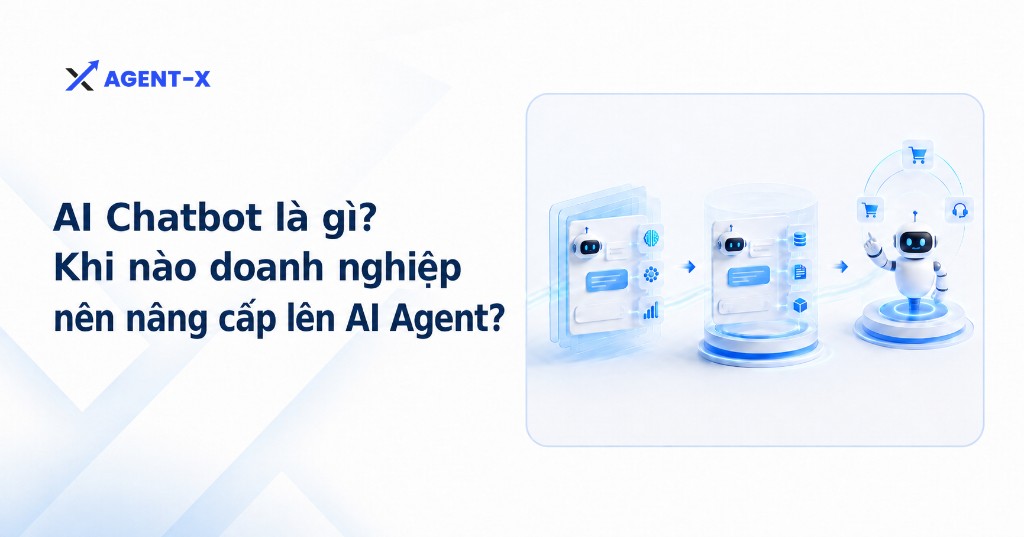
When a business wants a conversation to lead to an outcome such as booking an appointment, creating a request, checking eligibility, or updating the CRM, the AI Agent becomes the natural next step.
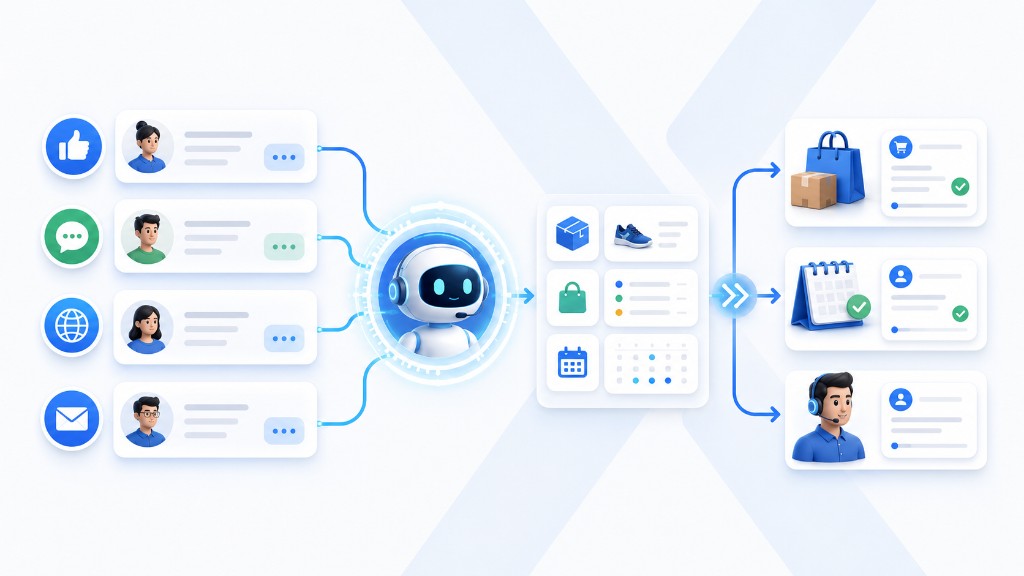
An AI Agent uses the conversational capabilities of an AI chatbot and adds:
- Goals and states to be completed.
- The ability to choose the next processing step.
- Tools to retrieve or update systems.
- Confirmation conditions before taking action.
- Mechanisms for tracking, logging, and handover.
For example, AI message replies about service schedules can provide general information. An AI Agent expands the scope by checking availability, asking for a suitable time, confirming details, and creating the appointment within its permitted scope.
When should a business upgrade to an AI Agent?
Businesses should consider upgrading when one or more of the following signs appear:
- Staff still have to copy data from conversations into the CRM, orders, or appointments.
- AI answers correctly, but customers still have to wait for someone else to perform the next step.
- Conversations frequently require checking multiple systems.
- Many opportunities are missed because buying signals are not correctly recognized or handover is slow.
- Effectiveness needs to be measured by outcomes rather than the number of answers.
The right roadmap is not to replace the entire system at once. A business can choose a high-frequency, low-risk process, define the data, access permissions, and confirmation points, then pilot it on a small scope before expanding.
Example: A business can start with the consultation booking process. The AI Agent captures needs from the conversation, checks availability, confirms the time with the customer, and automatically updates the appointment in the CRM. Once the process runs smoothly, the business can expand to appointment reminders, post-consultation follow-up, or creating sales opportunities.
Frequently asked questions about upgrading from an AI chatbot to an AI Agent
Below are some questions to help businesses determine the right timing and direction for upgrading to improve sales effectiveness.
Do we need to replace the entire AI chatbot when upgrading?
Not necessarily. A business can reuse its existing data, conversation scripts, and active channels, then add system integration and business execution capabilities for the AI Agent.
Which process should we upgrade first?
Prioritize processes that are high-frequency, directly affect revenue, and are easy to measure, such as product consultation, handling customers outside business hours, appointment booking, or order creation.
How do we measure effectiveness after upgrading?
Businesses can track response time, the rate of conversations fully resolved, the conversion rate into orders or appointments, and the workload taken off staff.
Can an AI Agent completely replace salespeople?
Not necessarily. An AI Agent is well suited to handling repetitive, standardized steps, while staff take on complex situations or those requiring in-depth consultation.
Conclusion
AI chatbots help businesses understand questions better, maintain context, and reduce the load of repetitive requests. However, to drive sales results, the system also needs reliable data, control rules, and a clear handover mechanism.
When the goal shifts from “answering” to “completing”, the AI Agent is the right upgrade. Businesses should start from a real process, deploy within defined limits, and measure success by the outcomes customers receive.